It doesn't suggest a skin.
It puts it on.
Rolls a random skin and chroma from the ones you already own, then applies it in champ select through the League Client's own API. Same request the client sends when you click a skin yourself. No files touched, nothing injected.
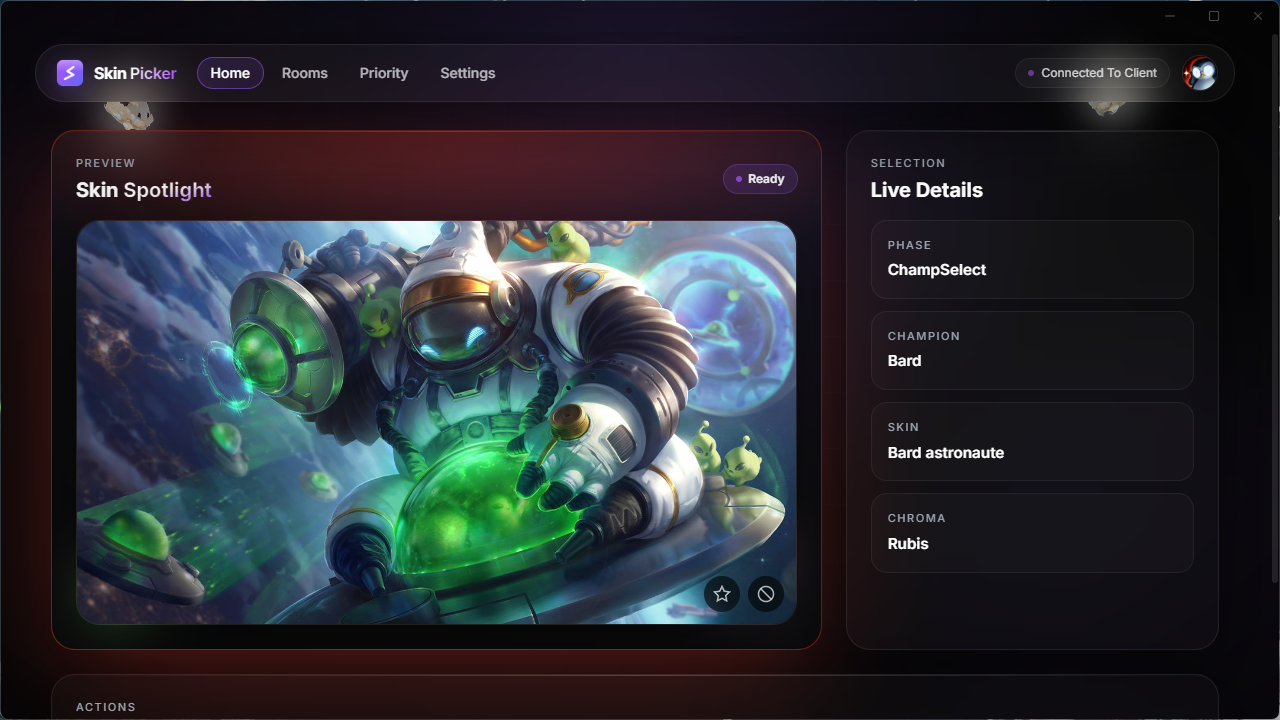
Two ways to use it:
alone, or with the squad.
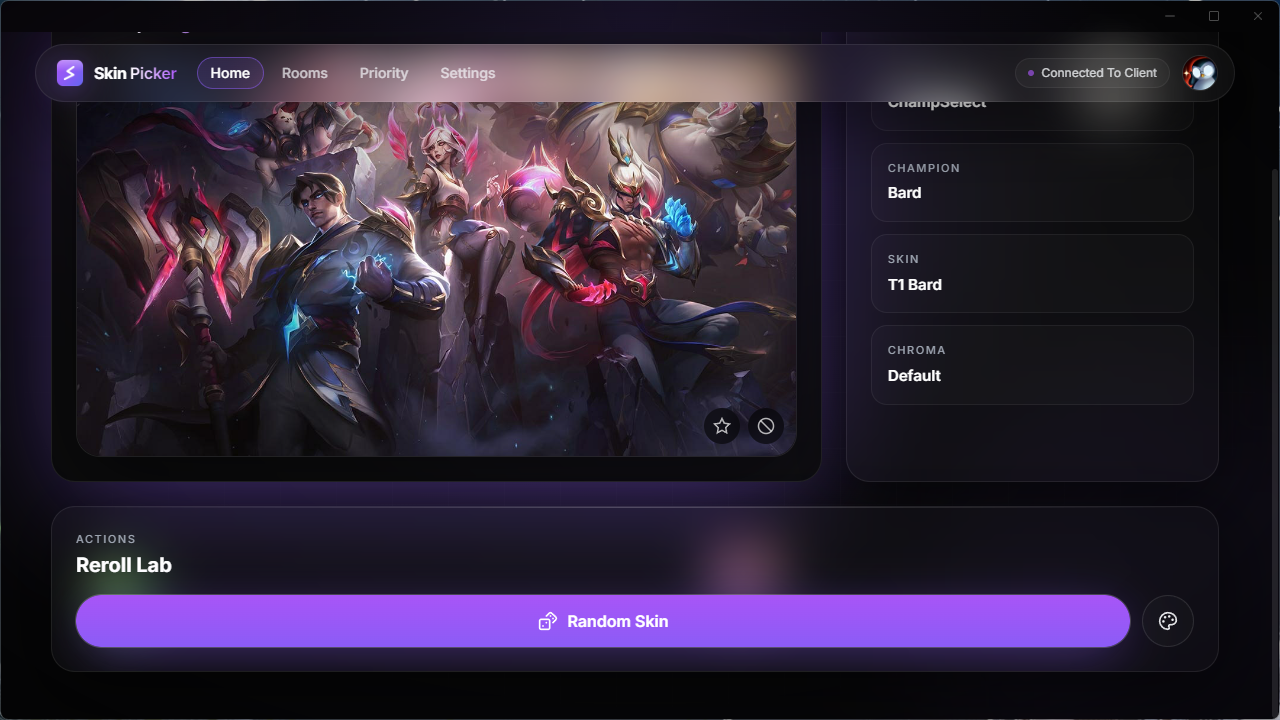
Lock in, get a skin.
Lock your champion and Skin Picker rolls a skin and chroma you own. Don't like it? Reroll. Skins you love can be weighted up, the ones you're sick of weighted down to almost never, and it keeps track of your recent rolls so you're not stuck with the same skin three games running.
- Auto-roll on lock. The roll happens the moment you lock your champion.
- One-click reroll. Reroll the skin, the chroma, or both. No limit.
- Weighted priorities. Favorites roll ×3, buried skins ×0.3. Saved per champion.
- Won't repeat itself. Skips whatever you rolled recently, so no reruns.
Team skins,
without the Discord call.
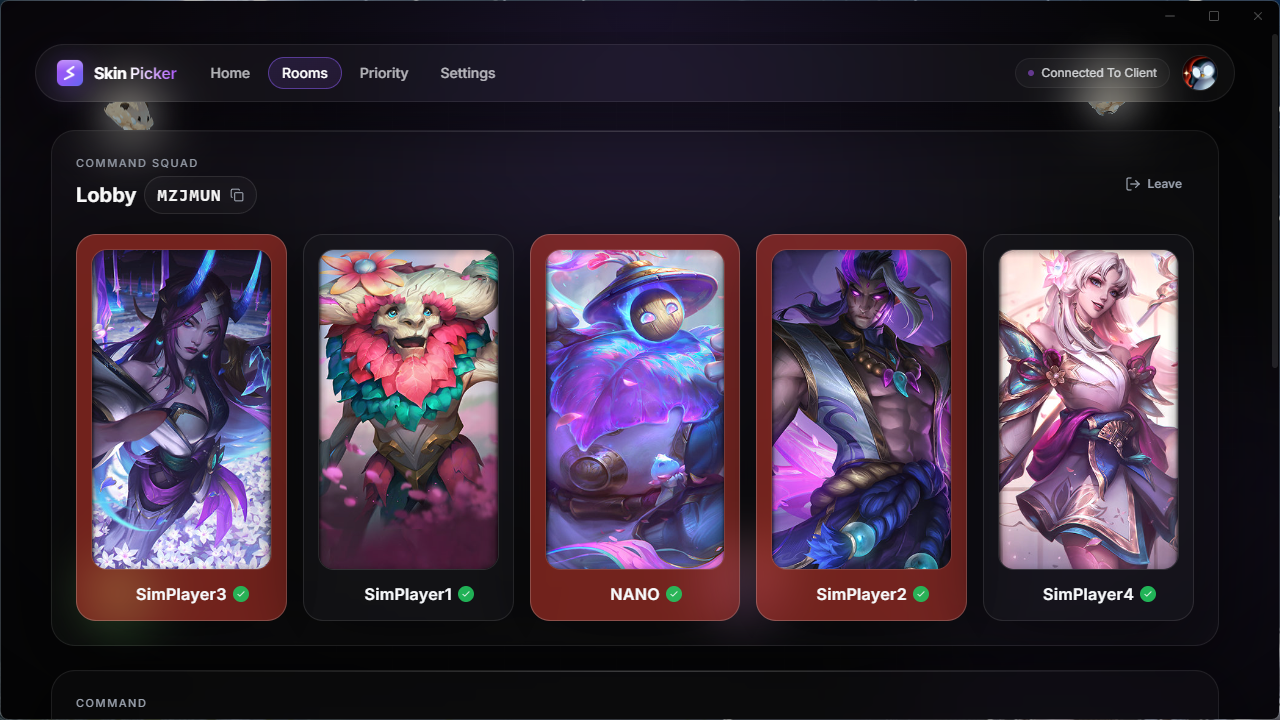
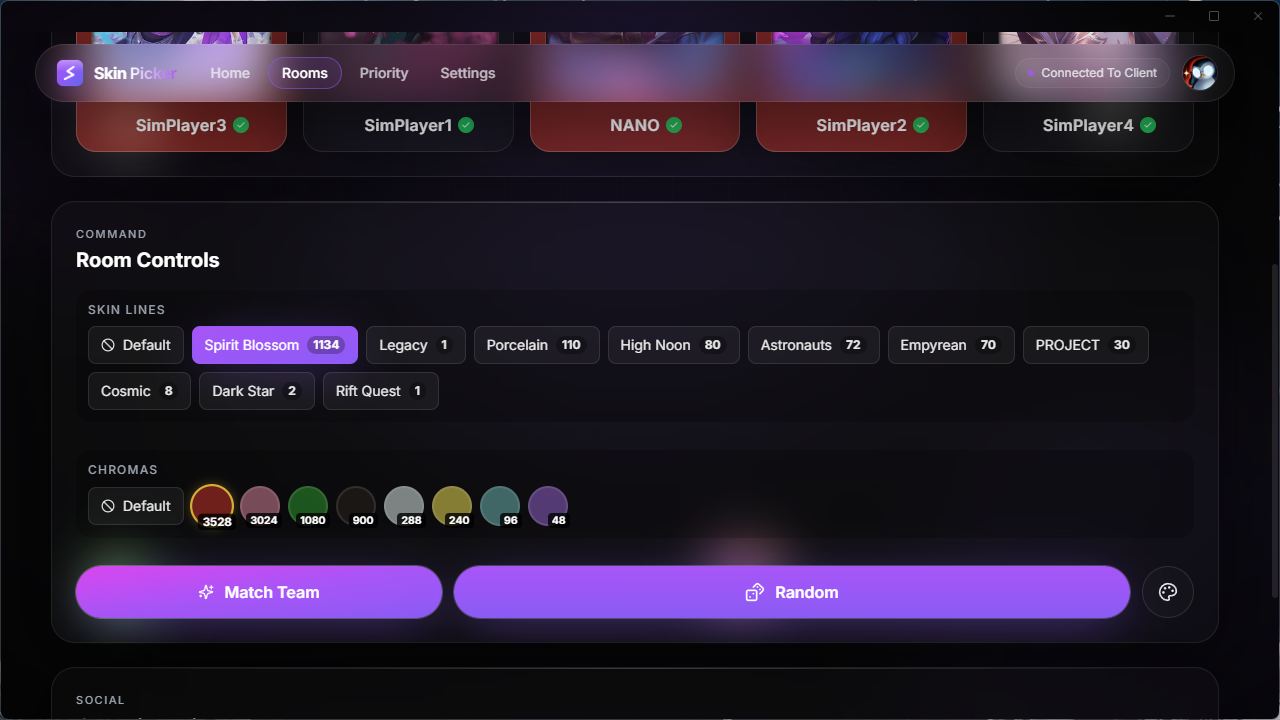
Create a room and invite the friends you already queue with. No one has to add anyone: the invite shows up in their app, they accept, done. After that it syncs live. Pick a color and the team's chromas fall in behind it. Pick a skin line and you all go PROJECT, Star Guardian or Arcana together. Once everyone has locked, each app applies its own skin on its own machine. Five clients, one theme, and nobody had to click.
- Up to 5 players, live. One dashboard with everyone's current pick on it.
- Color sync. The room owner picks a theme (blue, red, gold…) and the chromas fall in line.
- Skin line sync. Finds the lines you all happen to own, then picks a matching set.
- Auto-apply. Once everyone has locked, the combo applies itself.
About the Windows warning
Skin Picker is a personal project and I haven't paid for a Microsoft signing certificate yet. Windows warns about every unsigned app it sees, whatever that app happens to do, so the warning says nothing about this one. Getting past it takes two clicks.
Run the installer
Double-click the file you just downloaded. SmartScreen throws up a warning because the app isn't signed. Normal, keep going.
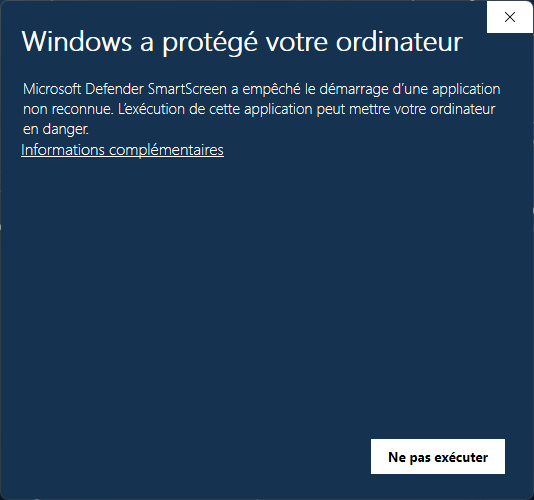
Click "More info"
SmartScreen hides the Run button behind that small link. Click it and the panel expands, with the Run anyway button underneath.
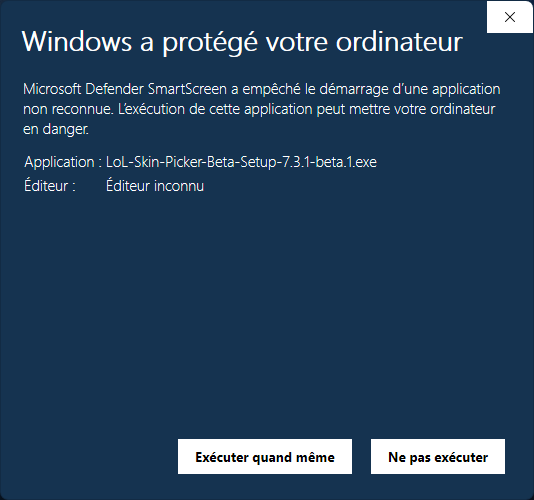
Click "Run anyway"
The installer runs and Skin Picker sets up like any other Windows app. Updates are automatic after that, so you only do this once.
Installed!
The app updates itself from here.
Transparency: the source code is public on GitHub. Read it, or build it yourself if you'd rather. The installer is published straight from the repo by GitHub Actions, so nothing gets assembled by hand on my machine.
The questions I actually get.
Ready to roll?
One installer, then it keeps itself up to date. Windows 10 and 11.
- Version
- v9.7.0
- Size
- 75.0 MB
- Released
- Aug 20, 2026
- Platform
- Windows 10/11